Documentation Index
Fetch the complete documentation index at: https://docs.praison.ai/llms.txt
Use this file to discover all available pages before exploring further.
Repository Map
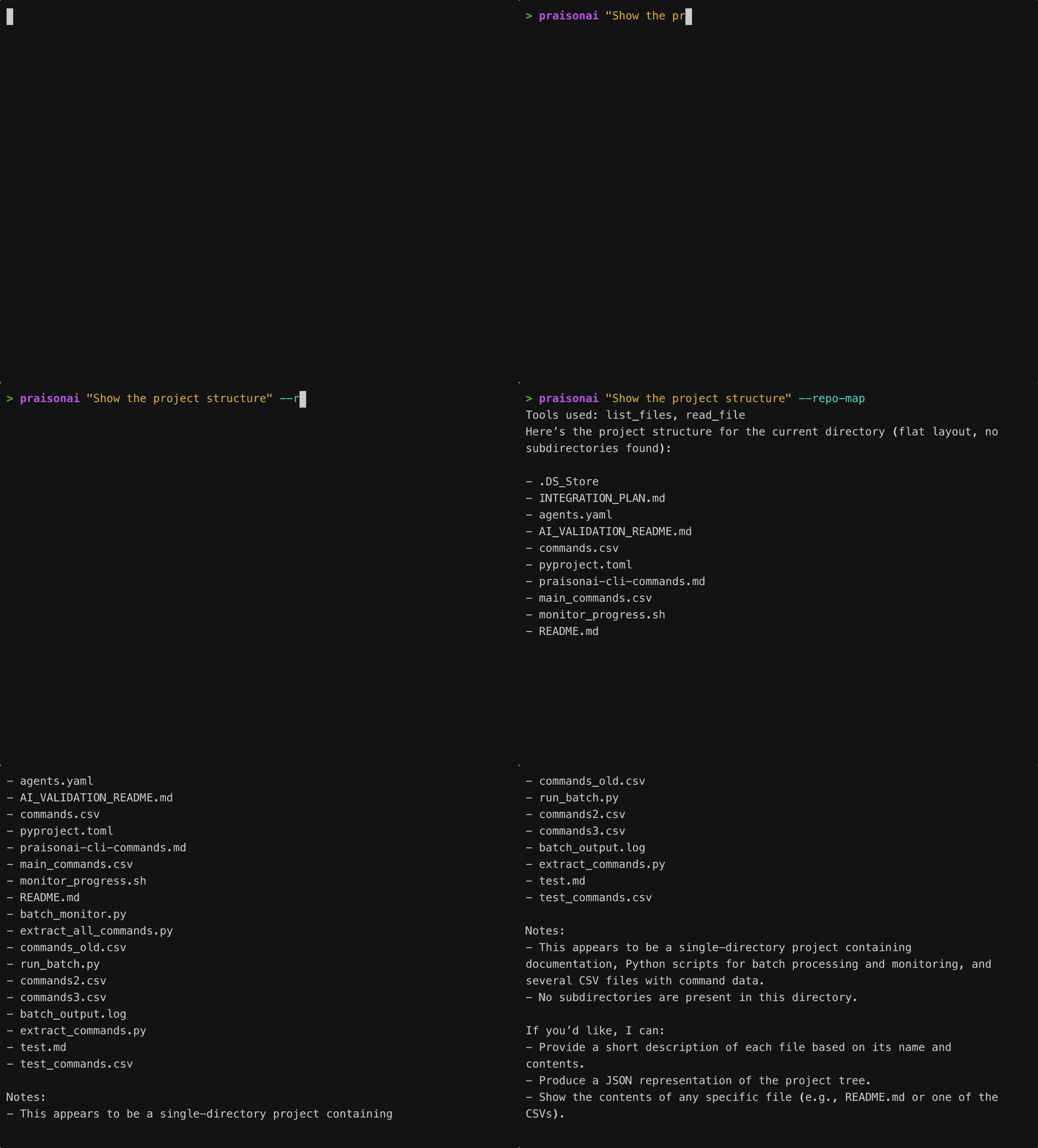
PraisonAI CLI includes a powerful repository mapping feature that helps the AI understand your codebase structure. Inspired by Aider’s RepoMap, it extracts and ranks symbols to provide intelligent context.
Overview
The repository map:
- Extracts symbols - Classes, functions, methods from your code
- Ranks by importance - Most-referenced symbols appear first
- Supports multiple languages - Python, JavaScript, TypeScript, Go, Rust, Java
- Optimizes context - Fits within token limits
Quick Start
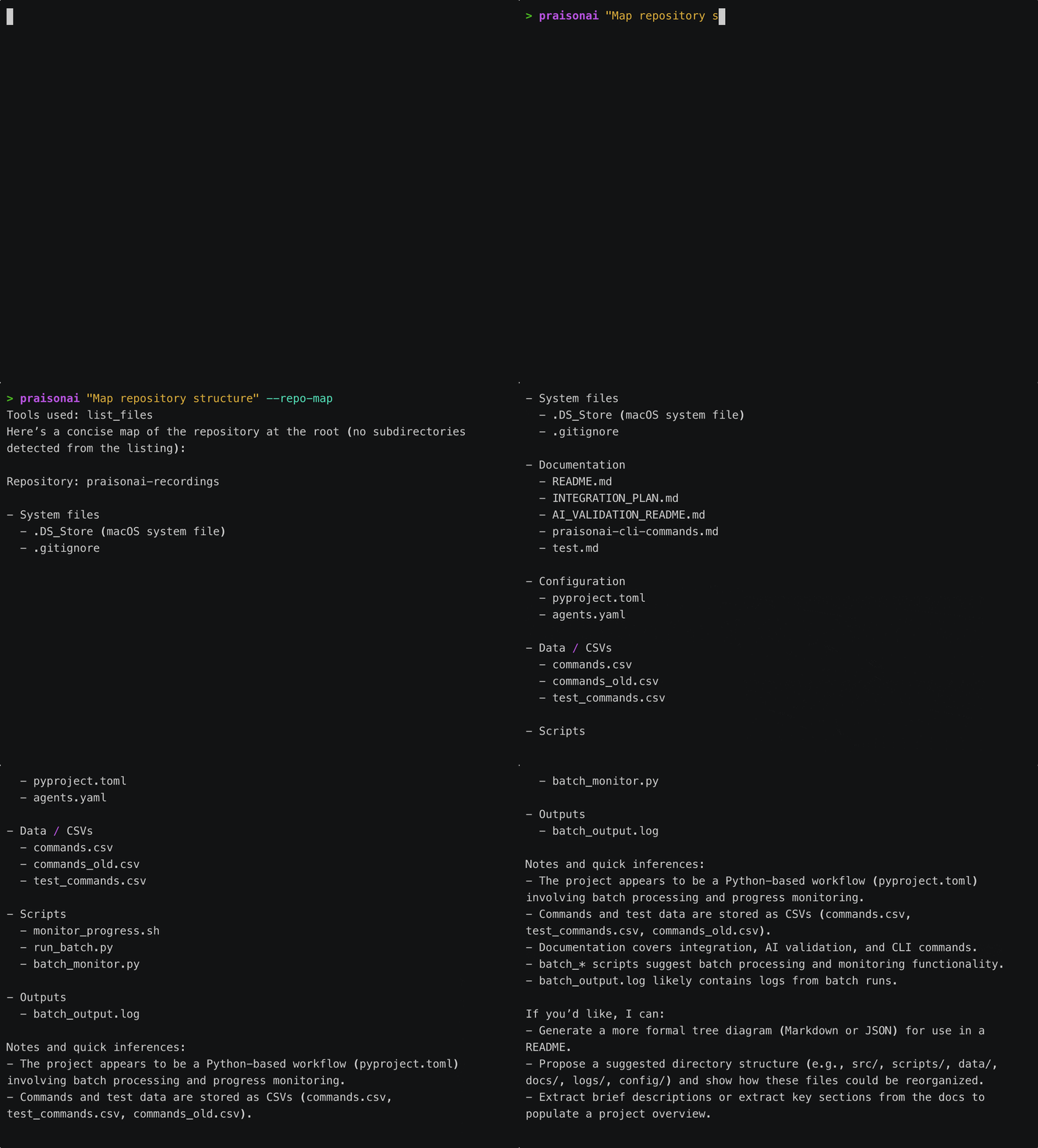
# View repository map in interactive mode
>>> /map
# Or use Python API
from praisonai.cli.features import RepoMapHandler
handler = RepoMapHandler()
handler.initialize(root="/path/to/project")
print(handler.get_map())
How It Works
The system parses your code to find:
- Classes - Class definitions and their structure
- Functions - Top-level function definitions
- Methods - Class methods with their signatures
- Imports - Module dependencies
Ranking Algorithm
Symbols are ranked by:
- Reference count - How often they’re used elsewhere
- Symbol type - Classes rank higher than functions
- File importance - Core files rank higher
Example Output
src/app.py:
│class Application:
│ def __init__(self):
│ def run(self):
│ def configure(self, config):
⋮...
src/models/user.py:
│class User:
│ def __init__(self, name, email):
│ def validate(self):
⋮...
src/utils/helpers.py:
│def format_date(date):
│def parse_json(data):
⋮...
Python API
Basic Usage
from praisonai.cli.features import RepoMapHandler
# Initialize
handler = RepoMapHandler()
repo_map = handler.initialize(root="/path/to/project")
# Get the map
map_str = handler.get_map()
print(map_str)
Configuration
from praisonai.cli.features.repo_map import RepoMap, RepoMapConfig
# Custom configuration
config = RepoMapConfig(
max_tokens=2048, # Max tokens for the map
max_files=100, # Max files to include
max_symbols_per_file=30, # Max symbols per file
include_imports=True, # Include import statements
file_extensions={".py", ".js", ".ts"}, # File types to scan
exclude_patterns={"__pycache__", "node_modules", ".git"}
)
# Create map with config
repo_map = RepoMap(root="/path/to/project", config=config)
repo_map.scan()
map_str = repo_map.get_map()
Focus Files
Prioritize specific files in the map:
# Get map with focus on specific files
map_str = handler.get_map(focus_files=[
"src/main.py",
"src/api/routes.py"
])
Get Symbol Context
Get detailed context for a specific symbol:
# Get context around a symbol
context = handler.get_context("Application")
# Returns:
# src/app.py:15
# class Application:
# """Main application class."""
#
# def __init__(self):
# self.config = {}
# ...
Language Support
Python
Full support with tree-sitter or regex fallback:
# Extracts:
class MyClass: # class
def method(self): # method
pass
def my_function(): # function
pass
JavaScript/TypeScript
// Extracts:
class Component {} // class
function helper() {} // function
const util = () => {} // arrow function
export class Service {} // exported class
// Extracts:
type MyStruct struct {} // struct (as class)
func MyFunction() {} // function
func (m *MyStruct) Method() {} // method
Rust
// Extracts:
pub struct MyStruct {} // struct (as class)
fn my_function() {} // function
pub async fn async_fn() {} // async function
Java
// Extracts:
public class MyClass {} // class
public void method() {} // method
interface MyInterface {} // interface
Using Tree-Sitter
For best results, install tree-sitter:
pip install tree-sitter-languages
Tree-sitter provides:
- Accurate parsing
- Full signature extraction
- Better language support
Regex Fallback
Without tree-sitter, regex patterns are used:
- Works for common patterns
- May miss edge cases
- No external dependencies
CLI Integration
/map Command
>>> /map
╭─────────────────────────────────────────────────╮
│ 📁 Repository Map │
├─────────────────────────────────────────────────┤
│ src/app.py: │
│ │class Application: │
│ │ def __init__(self): │
│ │ def run(self): │
│ ⋮... │
│ │
│ src/models/user.py: │
│ │class User: │
│ │ def __init__(self, name): │
│ ⋮... │
╰─────────────────────────────────────────────────╯
/map with Arguments
# Focus on specific directory
>>> /map src/api
# Show only classes
>>> /map --classes
# Increase detail
>>> /map --detailed
Advanced Usage
from praisonai.cli.features.repo_map import SymbolExtractor, Symbol
extractor = SymbolExtractor(use_tree_sitter=True)
# Extract from file content
content = '''
class MyClass:
def method(self):
pass
def helper():
pass
'''
symbols = extractor.extract_symbols("test.py", content)
for symbol in symbols:
print(f"{symbol.kind}: {symbol.name} at line {symbol.line_number}")
# Output:
# class: MyClass at line 1
# method: method at line 2
# function: helper at line 5
Symbol Ranking
from praisonai.cli.features.repo_map import SymbolRanker
ranker = SymbolRanker()
# Analyze references across files
ranker.analyze_references(file_maps, all_content)
# Get top symbols
top_symbols = ranker.get_top_symbols(file_maps, max_symbols=20)
for symbol in top_symbols:
print(f"{symbol.name}: {symbol.references} references")
Refresh Map
# After file changes, refresh the map
handler.refresh()
# Get updated map
new_map = handler.get_map()
Integration with AI
The repository map is automatically included in AI context:
from praisonai.cli.features import RepoMapHandler
# Initialize
repo_handler = RepoMapHandler()
repo_handler.initialize(root=".")
# Get map for AI context
repo_map = repo_handler.get_map(max_tokens=1024)
# Include in prompt
prompt = f"""
Repository structure:
{repo_map}
User request: {user_input}
"""
Token Optimization
The map is optimized to fit within token limits:
config = RepoMapConfig(
max_tokens=1024, # Limit total tokens
max_files=50, # Limit files scanned
max_symbols_per_file=20 # Limit symbols per file
)
Caching
The map is cached and only refreshed when needed:
# First call - scans repository
map1 = handler.get_map()
# Second call - uses cache
map2 = handler.get_map()
# Force refresh
handler.refresh()
map3 = handler.get_map()
Best Practices
- Set appropriate limits - Balance detail vs. token usage
- Use focus files - Prioritize relevant files
- Refresh after changes - Keep map up to date
- Install tree-sitter - Better extraction accuracy